
How to get medical release forms back before the season
How-to
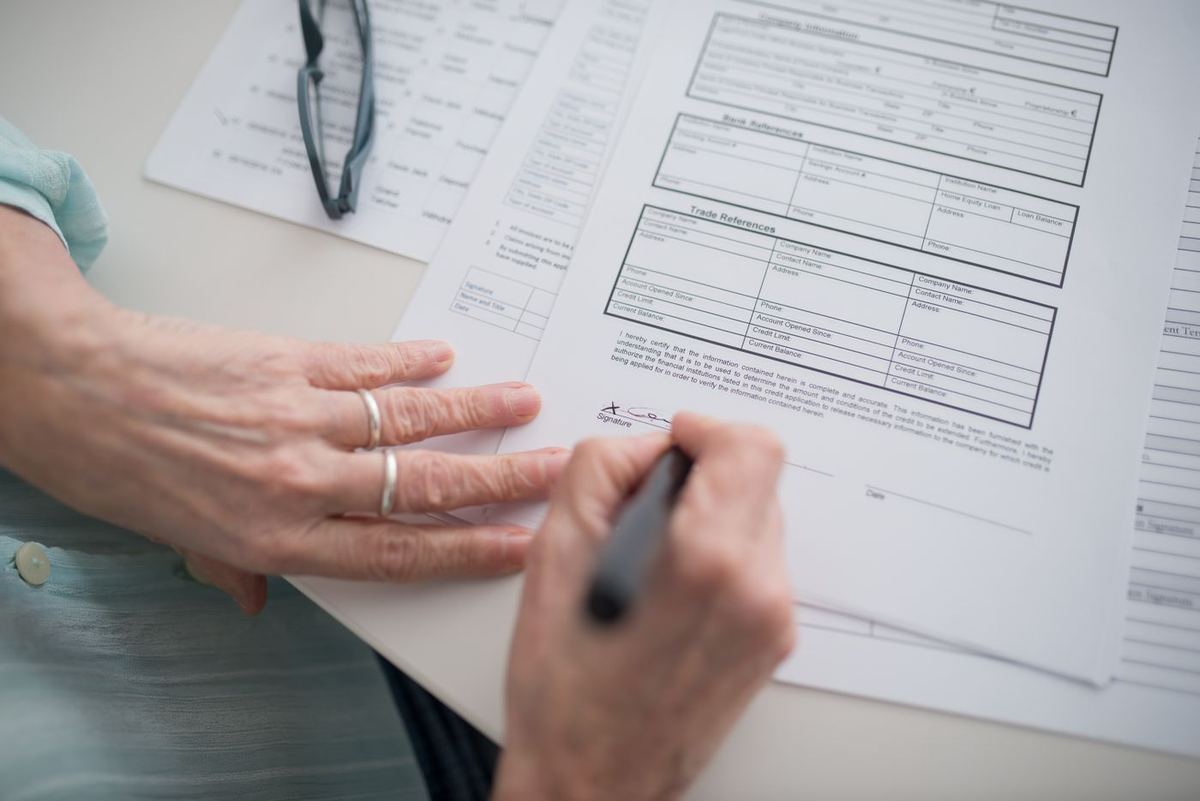
Why medical releases stall
Before a season, camp session, or travel tournament, someone has to collect medical release forms. The form itself is usually simple. Getting every family to return it is not. Parents mean to scan it after dinner. One child is on a different roster. Someone uploaded last year’s PDF. By the first practice you are still missing a short list, and that short list eats evenings.
This guide is a practical sequence for getting medical release forms back without inventing a second full-time job. It uses habits that work with any tool, and it shows where a chase helps once you are ready to automate the reminders.
1. Separate the release from everything else
Do not bury the medical release inside a long welcome packet email with fees, uniform sizes, and snack schedules. Families finish the easy parts and leave the form for later. Send the release as its own ask with its own deadline. If you also need a fee, make that a second chase or a second message so you can see who finished which step.
2. Say exactly what “done” looks like
Write one sentence that names the file and the action: “Upload a photo or PDF of the signed medical release for [child’s name] before [date].” If your program needs a specific form version, link that blank form in the same message. Ambiguous asks—“please complete medical paperwork”—create incomplete uploads and follow-up that starts from zero.
Keep health details where they belong
Chase It Down For Me can request an upload and remind families who have not finished. It is not a medical records system, and we do not make HIPAA compliance claims. Keep protected health information in the tools your program already trusts for that work. Use a chase for the follow-up step: get the form file back, mark who is done, and stop nagging finishers.
3. Build the full list before the first send
Export your roster once. Check spelling on parent emails. Add the second household contact when custody or travel means either adult might submit the form. Missing contacts are the most common reason a “complete” chase still has holes on day one of the season.
4. Time the first send so reminders can work
If forms are due Monday and you send Sunday night, reminders cannot help. Start early enough for a first reminder after a couple of days and a few more for people who still have not finished. For new chases in Chase It Down For Me, defaults are first reminder after 2 days, then every 2 days, with a maximum of 3—by email, during daytime Central Time quiet hours. You can change the interval to every 1, 2, 3, 5, or 7 days, stop after a max count or on a date, and turn on owner notices when someone responds or when the list is still incomplete after N days.
5. Remind only the families who are not done
Group emails that say “if you already sent it, ignore this” train people to ignore you. Personal links and per-person status fix that. Anyone who uploads is skipped on the next reminder. Anyone who has not finished gets the nudge. You still see done of total without maintaining a separate spreadsheet—unless you want one as a backup export.
6. Handle the last few differently
After automatic reminders have run, the remaining names are usually special cases: bounced email, a guardian who only texts, or a form that needs a doctor’s stamp your program requires offline. Call or text those few yourself. A chase is for the bulk of the list. The last mile is still human.
Text reminders inside the product are coming later as a paid option and are not live today. Until then, email carries invitations and automatic reminders.
A simple season timeline
- Two to three weeks out: send the medical release chase to the full roster.
- After a few days: let automatic reminders cover families who have not uploaded.
- One week out: review done of total, fix bad emails, and personally contact the remaining names.
- Before the first event: confirm the incomplete list with coaches or directors who need paper copies on site.
Where a chase fits
Create an upload chase, paste your roster, attach or link the blank form if needed, and review Reminder & notification settings before you send. RSVP chases (yes/no only) are free by email; document uploads are paid chases, with pricing that is not final yet. We never hold money if a fee is also due—use your existing payment link in a separate payment chase when you need both.
For youth sports and camp examples, see the youth sports and youth camps pages. For the product walkthrough, read Getting started.
Medical releases will always need a human for edge cases. The goal is to stop spending your whole week on the families who simply forgot—and to keep the reminder trail from bothering the ones who already finished.
More on the blog, getting started, or about the company.